
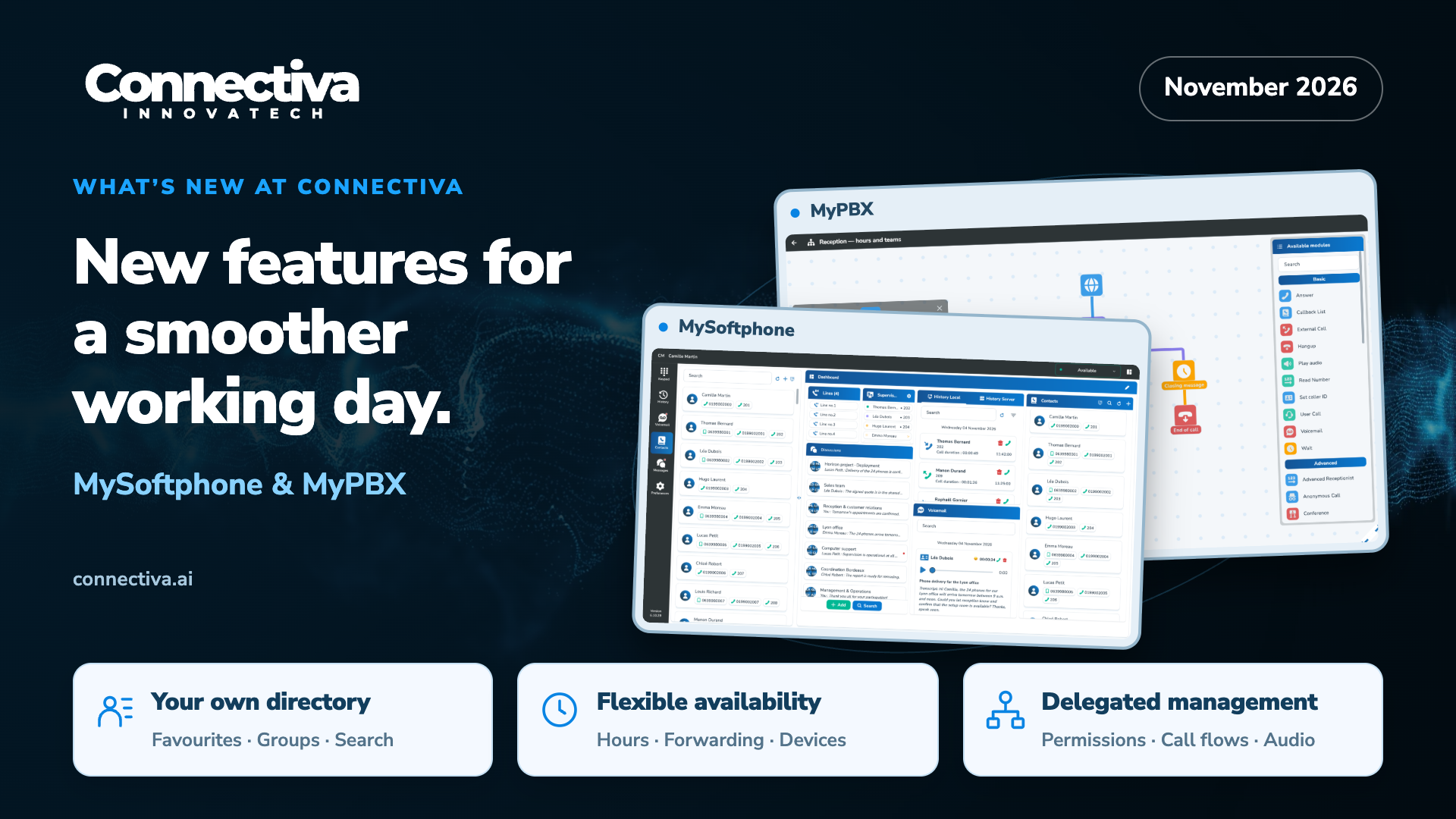
Finding the right person, adjusting your working hours, updating an announcement or delegating management of a reception service: everyday tasks like these also shape business telephony.
The November 2026 updates to MySoftphone and MyPBX focus on these everyday needs. Employees have more options for organising their contacts and managing when and how they can be reached. Authorised managers can delegate responsibility for services and track changes more clearly.
A directory organised around the way you work
In MySoftphone, search makes it easier to find a contact by first name, surname or number. A few letters may be enough to narrow the list, with the most relevant matches shown first. People who share the same name remain clearly distinguishable.
You can also organise the directory sections: put your favourites first, move a group, collapse a section or hide the ones you do not need. Search takes the displayed sections into account.
Personal groups let you bring contacts together by project, team or activity. The same contact can belong to several groups without creating a duplicate record. Deleting a group keeps the contacts it contained. Your favourites are also available on your other devices signed in to the same account.
Working hours and call forwarding that fit your situation
Call management lets you set your own working hours, copy them across several days and plan for leave or exceptional closures.
You choose how calls are handled according to your situation: available, busy, unanswered or outside your working hours. Depending on the options you are authorised to use, a call can ring your devices, go to voicemail, be forwarded to a number or be routed to a reception service or call queue.
You can also select which devices should ring and adjust the ringing duration before the configured no-answer action takes over. These settings control your personal availability; the opening hours of company services are managed separately.
Calls and conversations that are easier to follow
On a computer, a floating call panel keeps the controls within reach when you open another page. Microphone and audio output settings for calls and ringing are also available on supported platforms.
Call logs can be filtered by date range and call direction. Matching calls with contacts makes it easier to identify the people involved. A banner flags disconnections that prevent telephony from working, and outdated presence information is identified more clearly.
Shared media, links and documents are easier to find in chats. Drag and drop, copying and pasting images, and the photo or video gallery add further options on supported devices. The open conversation, draft and reading position are preserved when the layout changes. Conference calling can bring several calls together where the installation supports it.
Voicemail boxes for teams and services
A voicemail box can be dedicated to a service and coexist with personal mailboxes. Authorised users can recognise shared messages by the group name and badge.
Managers can create a mailbox specifically for voicemail and choose who can access it. The people answering calls can therefore be different from those handling voice messages. Access to a shared mailbox must still be granted explicitly: membership of a call queue or management of a reception service does not automatically provide it.
Administration entrusted to the right people
In MyPBX, roles let you delegate part of the administration to local managers. For each area of responsibility, the company can distinguish between functions that may be viewed and those that may be changed.
For example, the person responsible for a switchboard can adjust how calls are answered and set the opening hours for their service. Settings for other services remain outside their scope.
Calling permissions, administration rights, contact groups and voicemail access remain separate. This separation lets you organise management around each person’s actual responsibilities.
Call flows and announcements that are easier to update
Searching for a dial plan and duplicating an existing call flow make it easier to prepare a new service. Connections between steps and validation messages are clearer. The relevant telephone reception menus can also use the star and hash keys.
The audio library lets you listen to, rename and replace an announcement. When a file is replaced, call flows that refer to it keep their association. An announcement shared by several services is therefore updated wherever it is used.
Where the corresponding options are available, you can also create an announcement from text, choose a voice and listen to it before confirming it.
Simpler sign-in and account management
The company can offer sign-in with its existing accounts and use relevant directory information in telephone accounts. When an employee joins, a search can prefill some details, after which you choose which information to keep in Connectiva.
Changes can be previewed before they are implemented. Information is brought from the company directory into Connectiva without changing that directory. The identity used to sign in remains separate from the management permissions granted.
Administration also makes it easier to assign and reassign direct-dial numbers, with confirmation when moving a number. Internal extension numbers can contain up to six digits. Numbers for receiving calls, outbound caller ID and caller ID for emergency calls remain separate choices, reserved for authorised people.
Clearer tracking of changes, from draft to live operation
MyPBX makes a clearer distinction between preparing a change, saving it and applying it. Saving keeps the changes; they only take effect once you confirm that they should be applied.
When several managers are involved, compatible changes to different items can be combined. Changes that cannot be combined automatically are flagged. The history lets you view earlier versions and compare their differences.
These developments also improve usability on computers and mobile devices: small screens, landscape orientation, larger text sizes, long lists and multi-screen use. Your company’s visual identity can also be applied where this customisation is offered.
Updates to suit your organisation
The features available depend on your installation, plan, device and the permissions granted by your company.
Would you like to make everyday work easier for your employees or delegate management of your telephone services? Contact us to find the updates that best suit the way you work.