Make and answer calls
Dial a number, find a contact or call back from your history. Microphone, hold and keypad controls stay available during the call.

– Your business line
Answer, transfer, bring people into a call and find the context you need. MySoftphone supports your business calls on desktop and mobile.
– Throughout the conversation
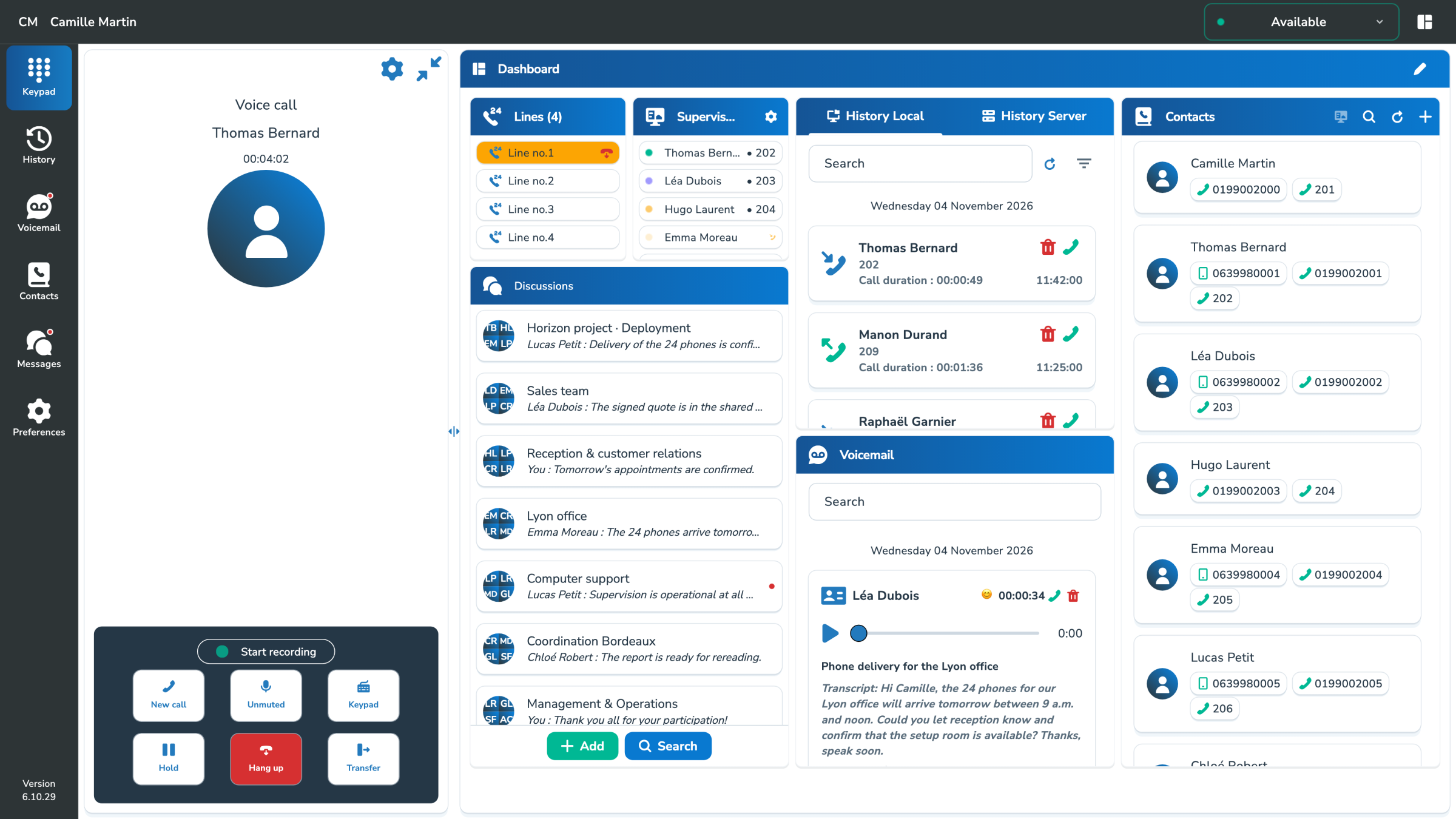
Keep essential controls close at hand, so you can take action without interrupting the conversation.
Dial a number, find a contact or call back from your history. Microphone, hold and keypad controls stay available during the call.
Transfer a call immediately or speak to the recipient first. Search your contacts to find the right person.
Merge calls into a conference, choose participants and see who’s joined. Available options depend on your phone system.
– Call history
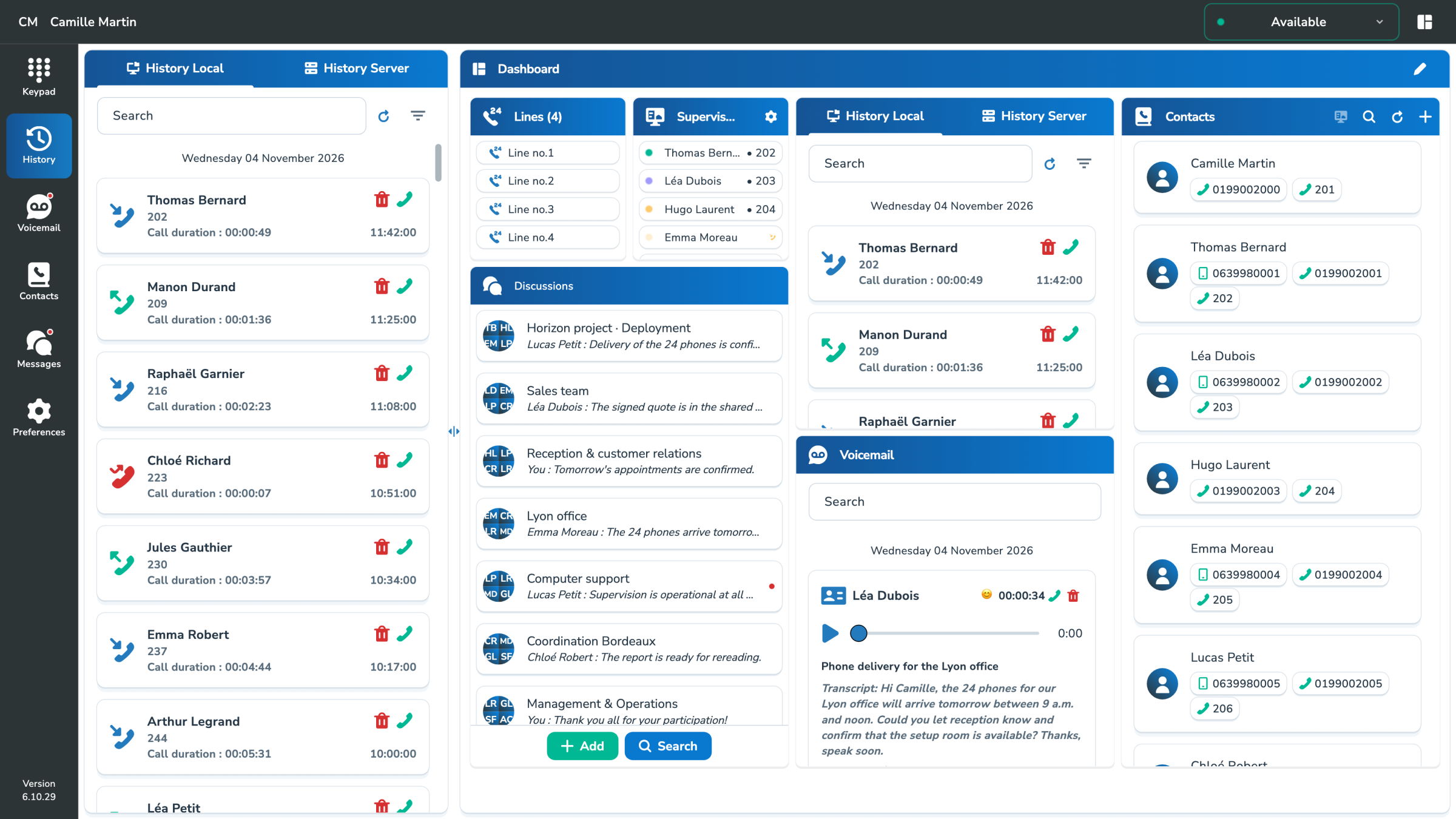
Missed call, recent conversation or someone to call back: your call history connects each communication with its contact.
– Intelligent voicemail
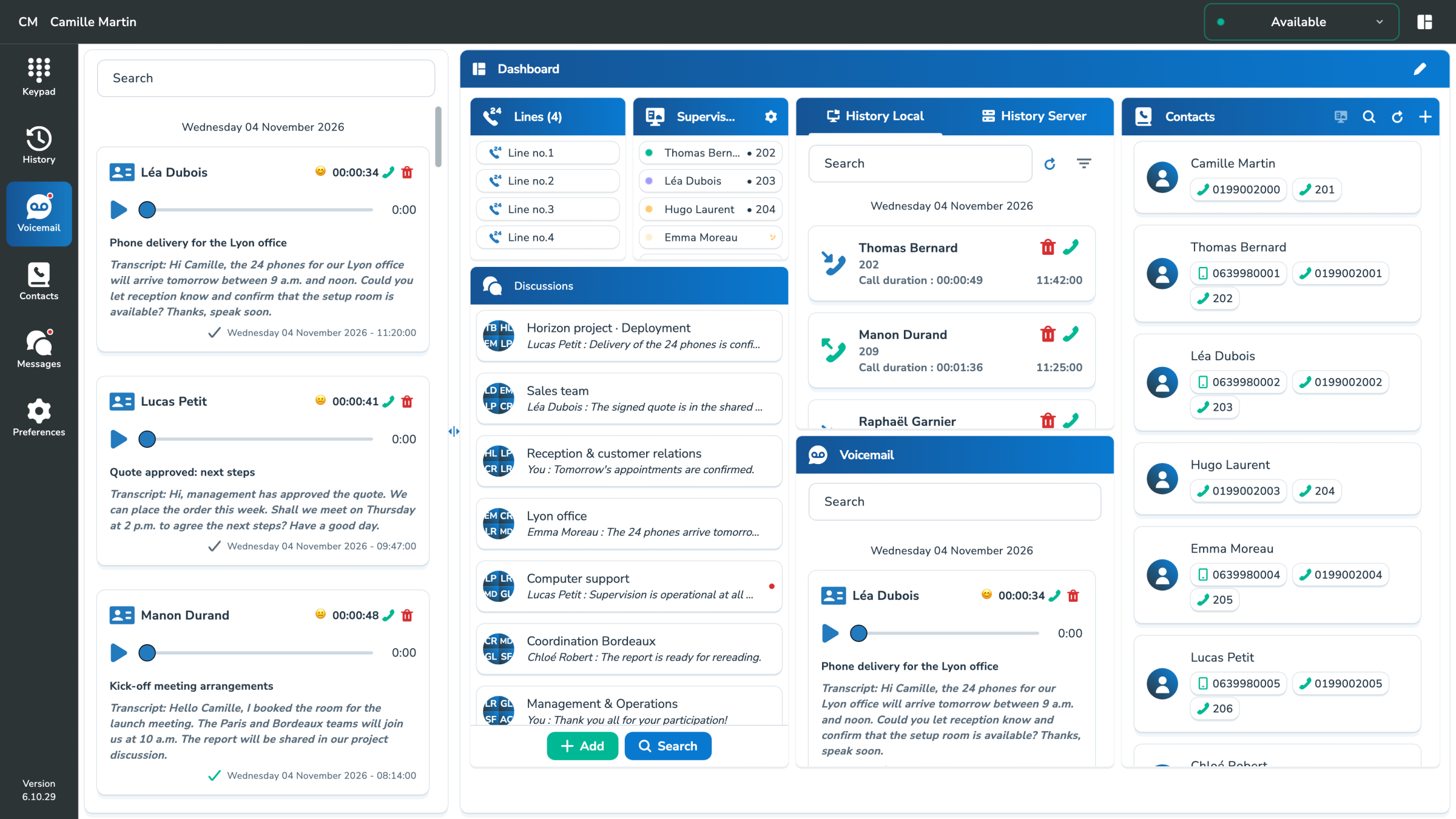
Transcripts, summaries and perceived mood indicators help you understand a request before listening to the message.
Available AI features and voicemail boxes depend on the services and permissions enabled by your company.
– At your desk or on the move
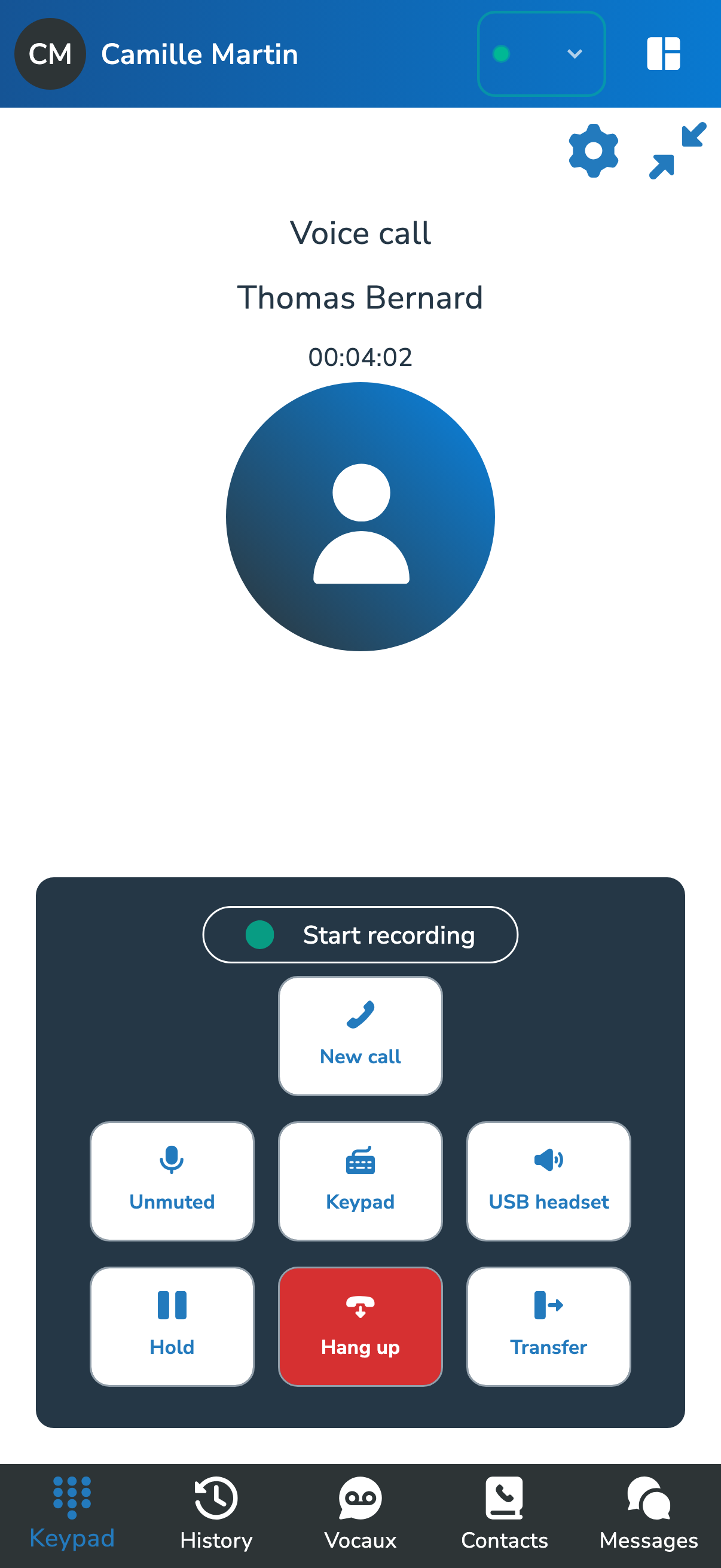
Access your business communications on desktop and mobile. With call continuity enabled in the Connectiva ecosystem, linked devices can take over an ongoing call.
– In practice
Yes. Use MySoftphone as your main phone on desktop or mobile, or alongside an IP phone linked to your account.
On desktop, MySoftphone supports native SIP/RTP over UDP or TCP and WebRTC over WSS or TCP. Your PBX can provide these settings. Native SIP/RTP is available on Windows, macOS and Linux.
With call continuity enabled and your devices linked, switch between the devices included in your plan. See the Call continuity page for details.
– Your working environment
Explore MySoftphone on your platforms, or talk to our team about your business needs.