Change networks or devices. Keep the conversation going.
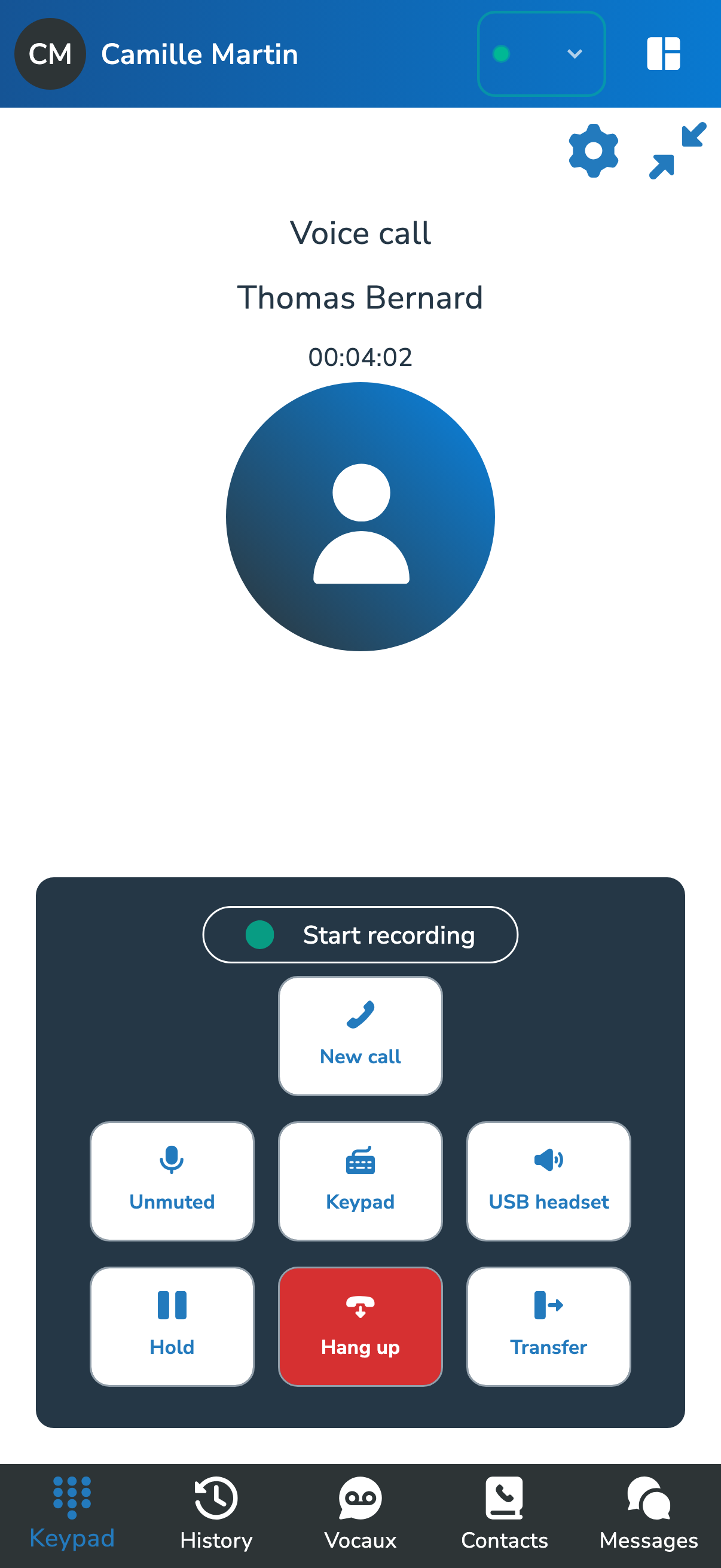
Move a call between MySoftphone on mobile or desktop, a desk phone and a mobile line without interrupting the customer conversation. Keep your business identity and context throughout.
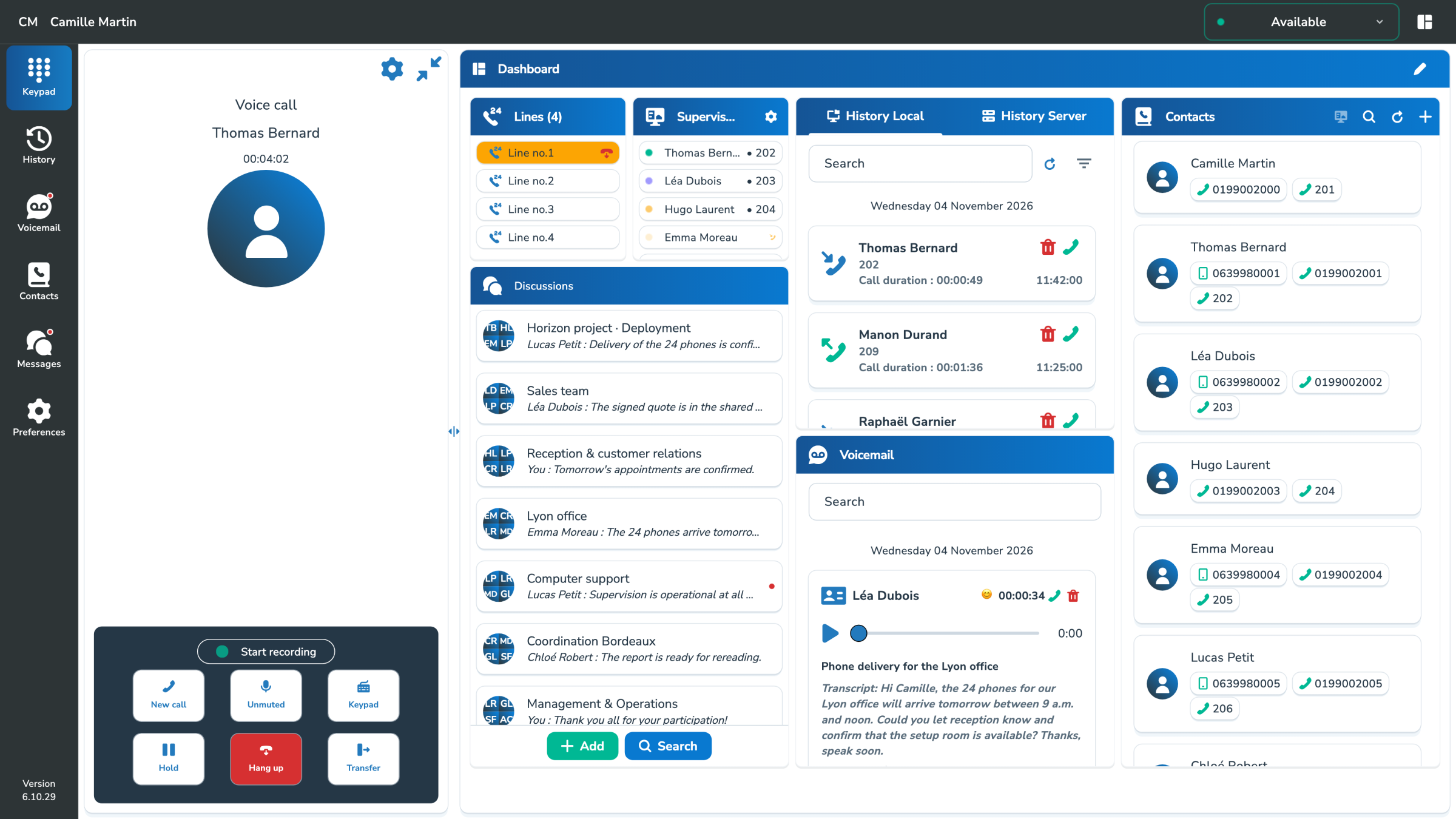
Where technical conditions allow, the call stays connected as the network changes. Users can keep talking without calling back or reconnecting manually.
Keep your business caller ID
A seamless transition for the person on the other end
Continue on another linked device
Seamless handover between devices
Move the call to a mobile softphone, desk phone, desktop app or another compatible device.
Our approach: a smooth conversation, without having to explain a technical handover to the customer.
– Mobility at work
Your PBX, wherever work takes you.
Sales on the move
Start a call on your computer and continue it on your mobile line as you leave the office.
Field technician
Take group calls and transfer them to support without sharing your personal number.
On-call teams
Activate the line using day/night mode and track calls in the same log.
Multi-site business
Use the same service numbers, contacts and policies across all locations.
– TRUST
Call continuity across your working environments.
Call continuity supports SIM- and eSIM-compatible mobile devices, as well as phones connected over Wi-Fi or Ethernet.
Start a transfer with one click in MySoftphone, or use a star code from another device.
Keep control of call recording: configure activation, processing and retention in MyPBX and MySoftphone in line with GDPR requirements.
Supported devices and policies
SIM and eSIM compatible mobiles
Continuity on Wi-Fi, Ethernet and mobile network
Transfer from MySoftphone in one click
Transfer from any device using a star code
Switch between softphone, desk phone and mobile line
Configurable recording from MyPBX and MySoftphone
processing and retention guided by company rules and GDPR