
– Cloud PBX interface
Manage resources, users, devices, call flows, logs, call quality and statistics. Delegate day-to-day tasks to customers while protecting sensitive settings.

Inbound and outbound dialplans, call parking, company voicemail, calendars and caller ID rules.

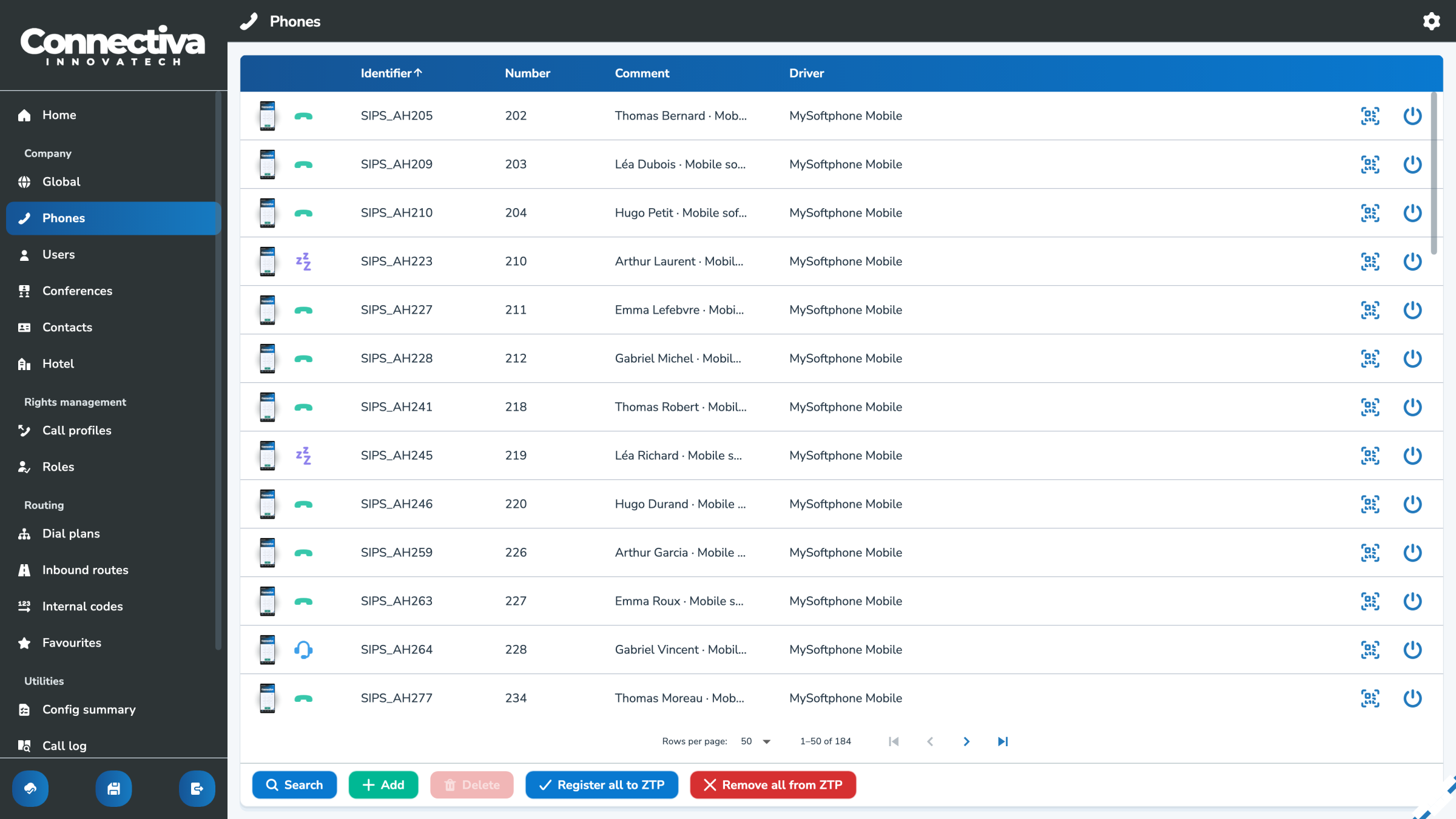
Desk phone, desktop or mobile softphone, SIM or eSIM, with monitoring and auto-provisioning.

QR-code sign-in, personal voicemail and dialplans, BLF, calling permissions and multiple devices per user.

Ring strategies, call pickup, overflow routing and inbound destinations: dialplans, conferences or fax.

Conference rooms, PIN codes, participant roles and join settings, integrated into your call flows.

A shared company directory across locations, with personal contacts kept private.
Make selected modules available in a simplified Favorites interface, so customers can adjust opening hours, calendars, messages and specific destinations themselves.
Give customers the independence they need, with clear limits on sensitive settings.
Access inbound, outbound and internal calls, quality metrics, recordings and transcripts according to your permissions and retention policy.

Packet loss and signs of degradation help you tell network issues apart from routing problems.
_

Find the recording and transcription directly from the call log, to understand each exchange at a glance.
See Smart Recording

Track call volumes, answered and missed calls, waiting times and talk time, across the system or by user.
_