– FMC · SIM · eSIM

Your business number goes wherever you go.

Turn SIM and eSIM lines into fully integrated PBX extensions. Employees keep their business identity, calling rules and services without exposing personal numbers.
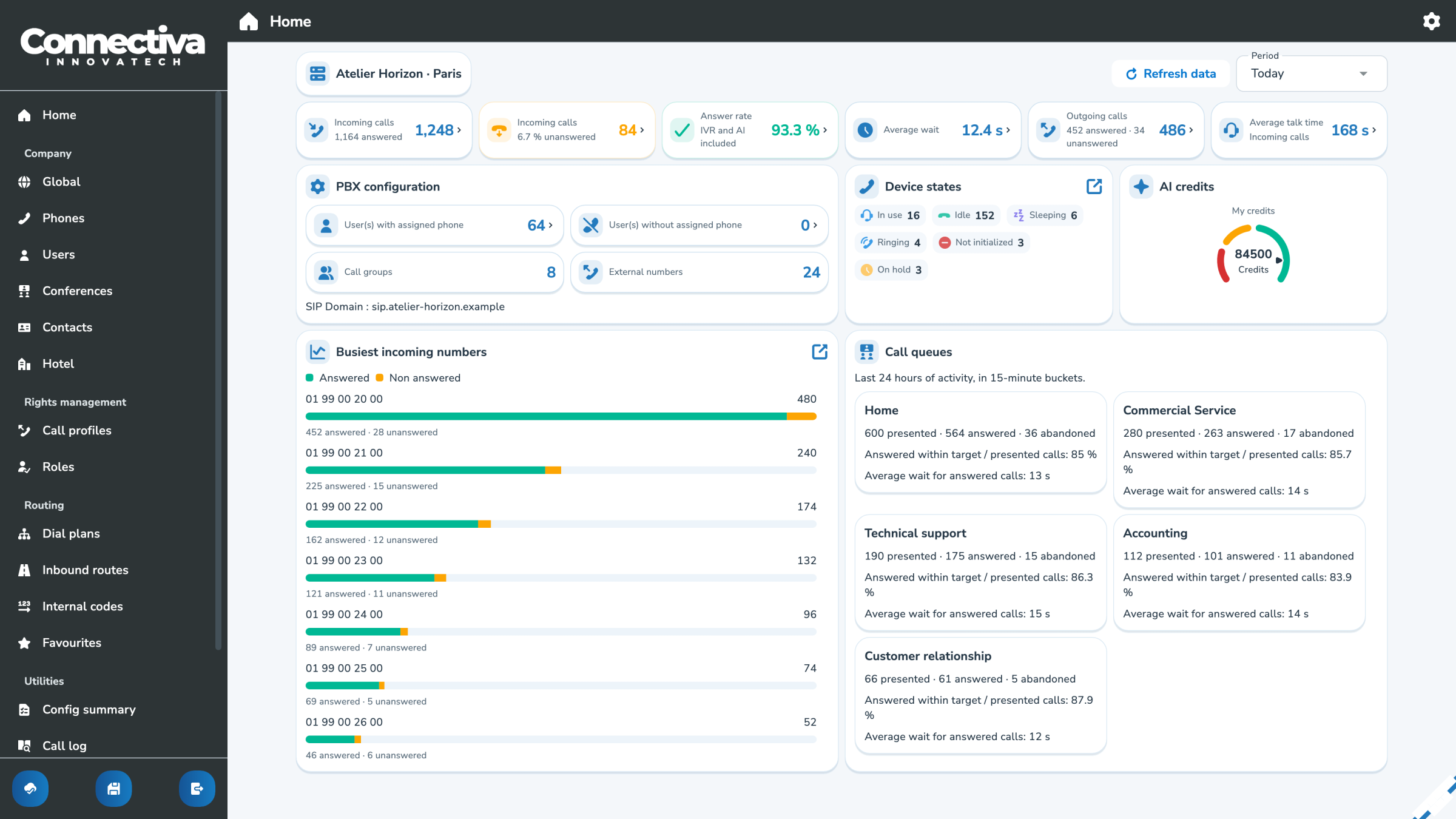
MyPBX: Management of employees' SIM and eSIM cards

– FMC made simple

Your mobile becomes a full PBX extension.

Fixed-mobile convergence integrates your mobile line directly into the business phone system. It becomes more than a forwarding destination, with the features, rules and continuity of a full business extension.

One business identity

Show the appropriate business number on every call, whether you’re using a mobile, softphone or desk phone.

One set of calling rules

PBX rules also apply on mobile: groups, business hours, permissions and call recording.

One call history

Mobile calls appear in the same logs and statistics as your other calls, giving you one view of usage and activity.

– Activation

From SIM to PBX extension in 3 clicks

Scan
Identify the SIM card or eSIM profile with a barcode scanner or QR code.

Assign
Select the company, user or associated business number.

Activate
Confirm activation and track its progress in real time.

See full life cycle

– In your pocket

Your desk phone’s features, on mobile.

Call with your business number

Present the right professional number, regardless of the terminal used.

Apply PBX rules to incoming calls

Groups, schedules and priorities direct the call to the right person.

Transfer and resume calls

Transfer the call to a colleague or continue it on another device.

Centralize voicemail and call history

Messages, events and call logs stay within your company’s communications environment.

– Continuity

Change networks or devices. Keep the conversation going.

Start a call in MySoftphone, continue on your mobile line and pick it up on your desk phone or another compatible device.

Desktop

MySoftphone

Mobile

WebRTC

SIM / eSIM

Mobile network

IP phone

IP telephony

Explore call continuity Further information