One-to-one or in a group
Chat with a colleague or bring several people into a group conversation. Find previous messages and see read receipts.

– Conversations · contacts · calendar
Chat, share a document, check an appointment or make a call. MySoftphone brings your collaboration tools together on desktop and mobile.
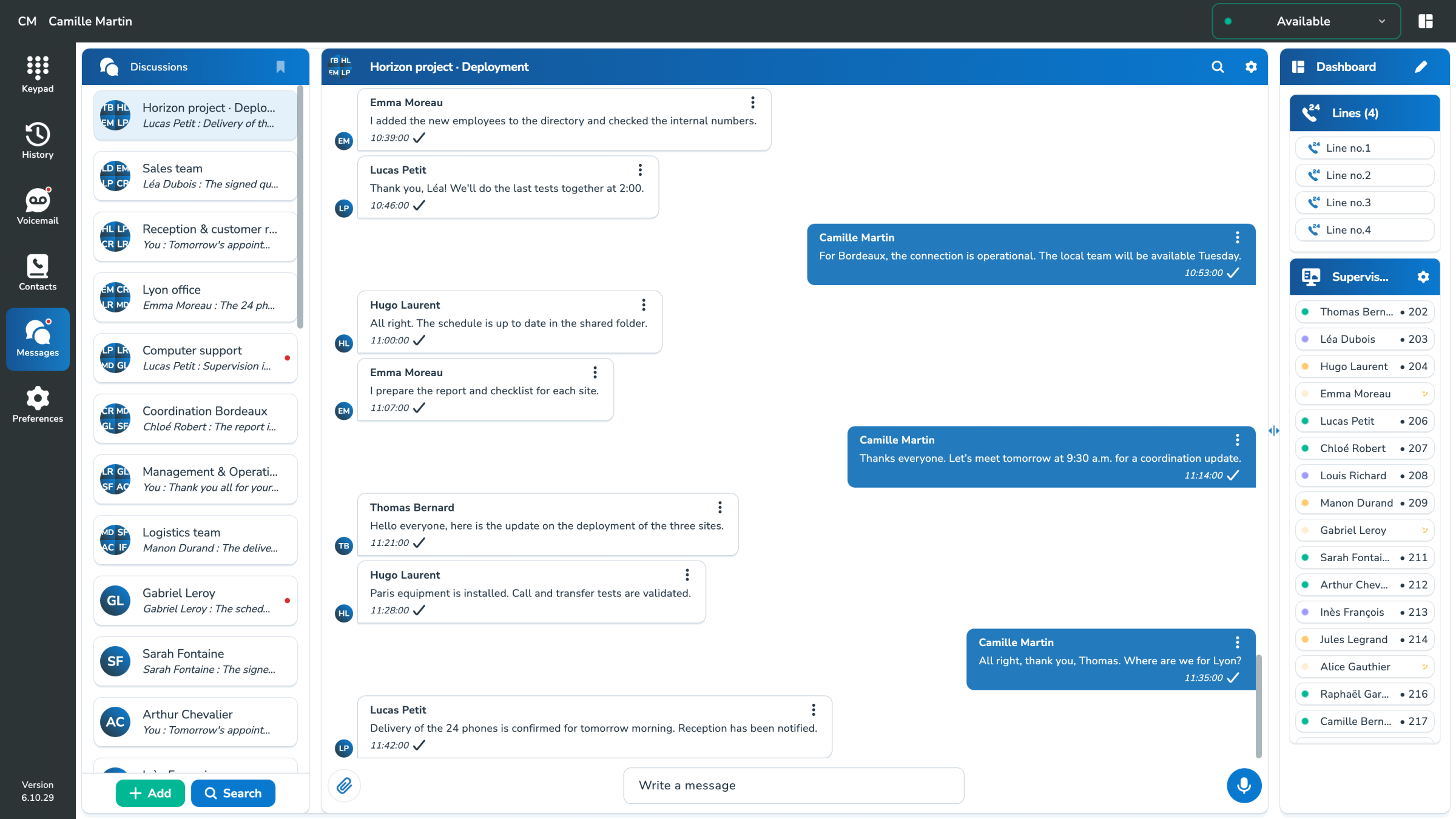
– Integrated messaging
The exchanges remain within reach, whether they concern a person, a team or a project.
Chat with a colleague or bring several people into a group conversation. Find previous messages and see read receipts.
Share a document, photo, video or link. On computer, drag your attachments into the discussion.
Call directly from a chat or a recognized phone number in a message. Switch to voice when a conversation needs it.
– NatAChat · In your chats
Open NatAChat in MySoftphone and ask your question naturally. Find the information you need for your communications without leaving your workspace.
NatAChat uses only the information and tools your account is allowed to access. MySoftphone’s user assistant complements the technical agent in MyPBX.
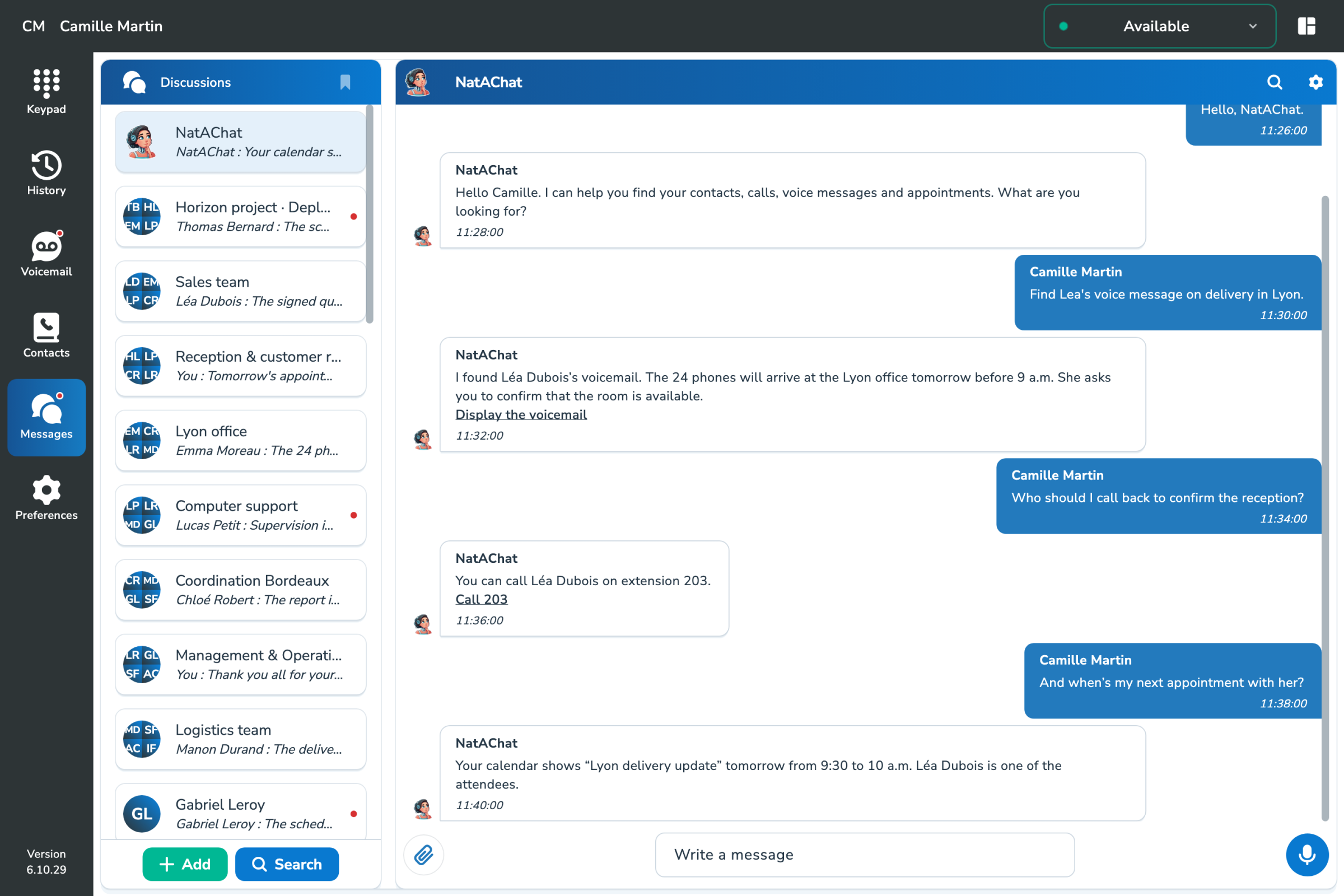
View your voice messages and context elements useful to prepare your response.
Find the contact details of an interlocutor and start the call from the NatAChat response.
Ask about events in your connected calendars and get the appointment details you need.
– Find and transmit
Shared content is organized by conversation, with dedicated spaces for media, links and documents.
– Connected Calendars
Check events without leaving your softphone. Connect your company’s calendar services and keep upcoming appointments in view.
See the events and their details in the MySoftphone calendar, next to your communications.
Connect the calendars authorized in your environment. Accounts and access permissions remain managed by the connected service.
– Contacts & teams
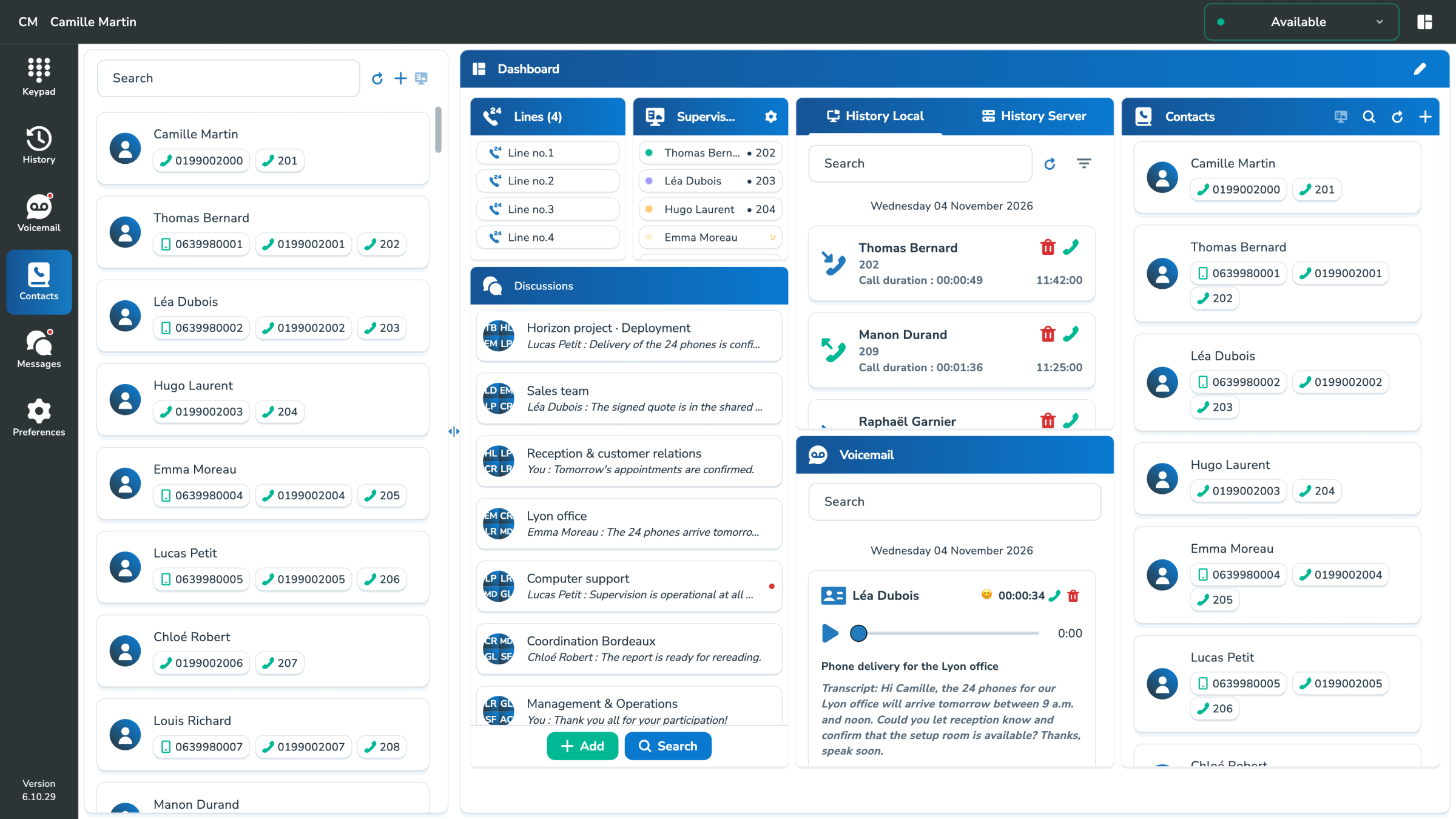
Keep your company directory and personal contacts close at hand. Groups make teams and contacts easier to find.
Contacts, groups and supervisory functions follow your company's rights and services.
– Office, telework, travel
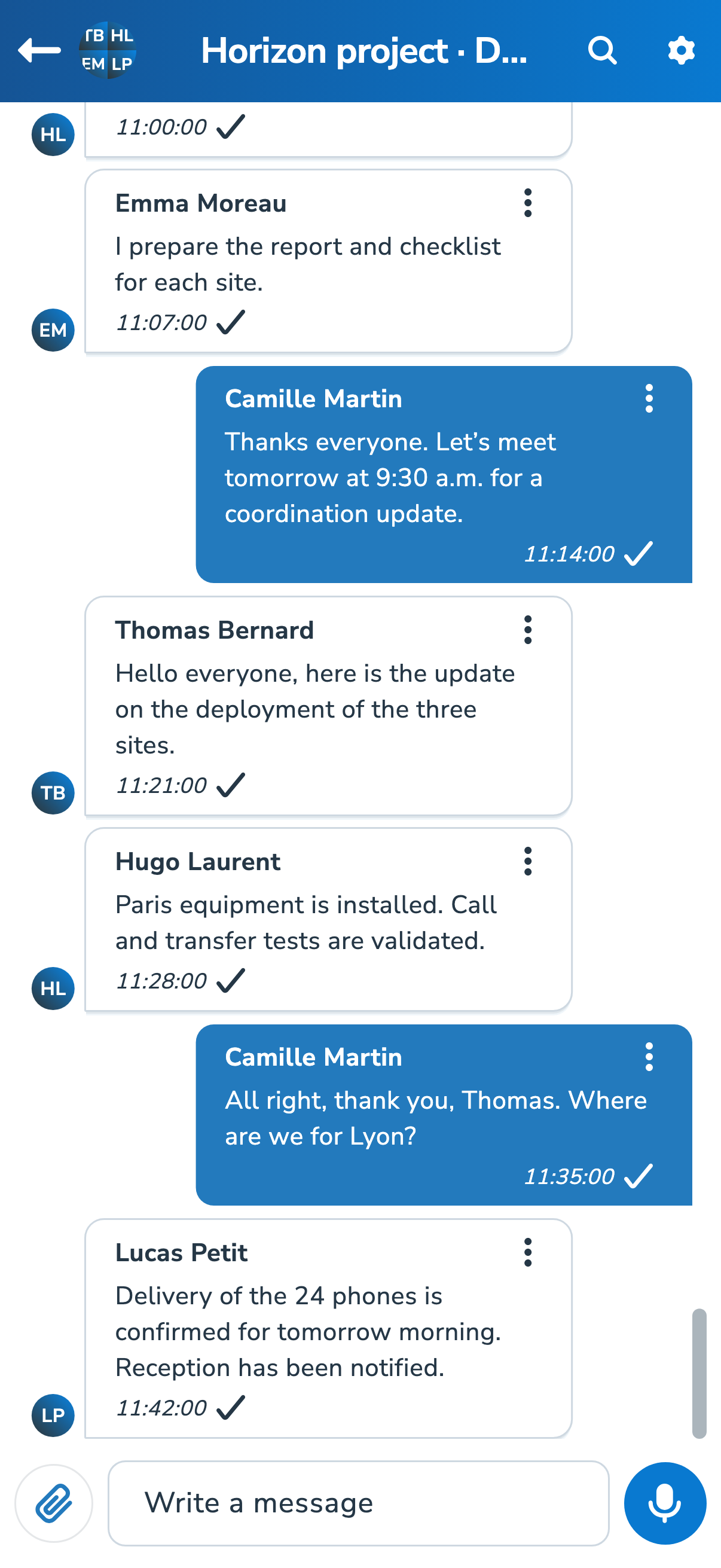
Keep a chat beside your dashboard, find a file and call the right person without switching between tools.
Access your chats and share content from your phone. Notifications and features adapt to your operating system.
– One application, several uses
Discover the call functions or prepare an experience adapted to the habits of your teams.